App Guide for Admins
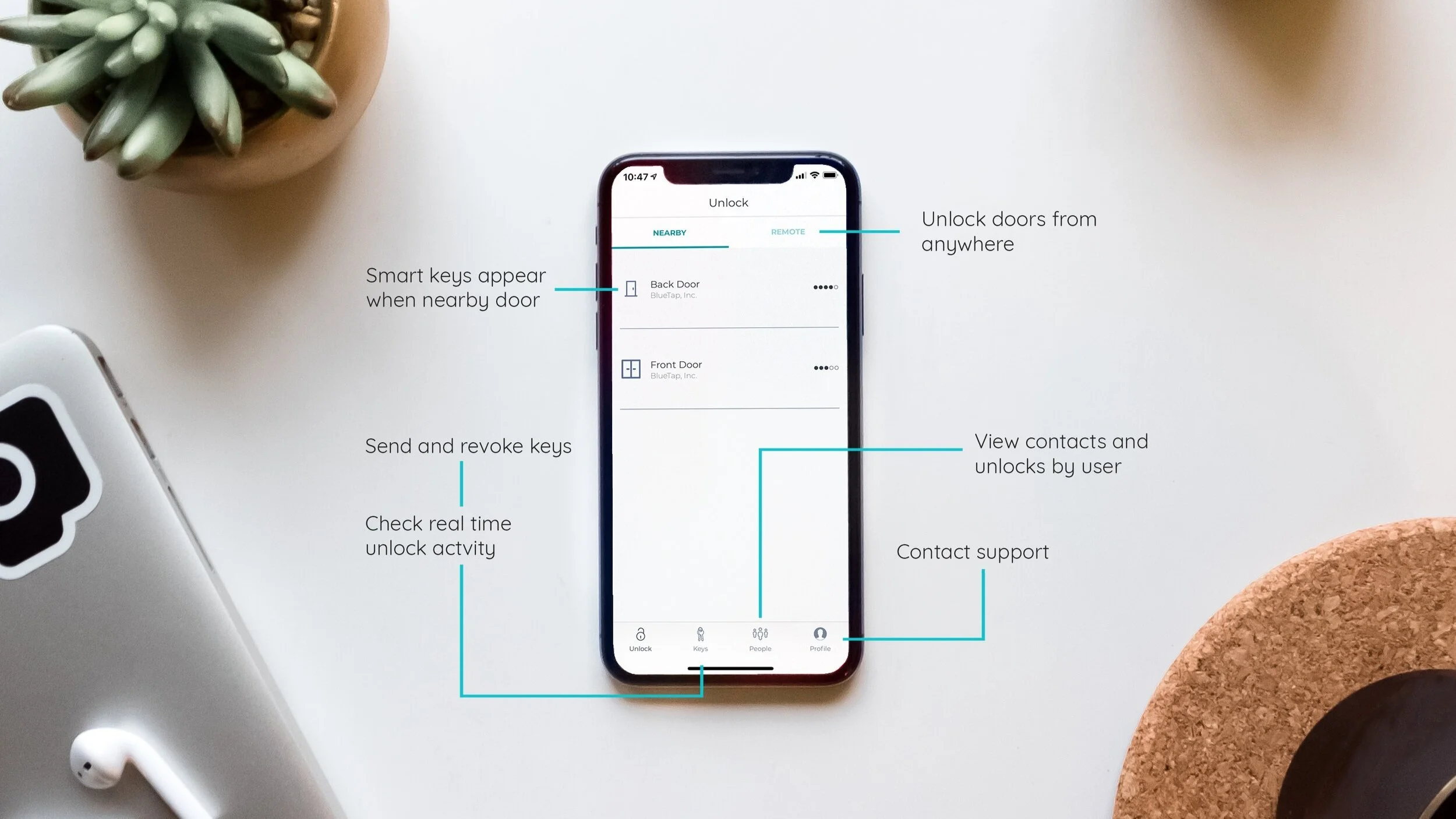
App Guide
How to use our app from the perspective of an Owner or Admin.
Grant and revoke access, get notifications with unusual activity, track who has access,
remotely unlock doors for guests and more.
Related Articles
Managing Groups in the Nexkey App
Enabling Groups To set up Groups in the Nexkey app, you first need to enable it. To do this, go to the MORE section in the app and select Advanced features. Toggle Groups ON. Groups will now appear at the top of the MORE tab. Step 1 - Creating a ...Web Portal Guide
Web Portal Guide Explains how to navigate portal.nexkey.com. Everything you love about our app, expanded. Get insights into your business. Share access with a large number of new users. Message your community. DownloadUnderstanding Groups Role Permissions
Managing groups in the Nexkey app & Web portal allows you to efficiently organize employees and permissions within your organization. Streamlining access management ensures that your team members have appropriate permissions based on their roles, and ...Managing Notification Rules in the Nexkey App
Notification Rules in the Nexkey App allow you to receive alerts when specific actions occur--like a door unlocking or an admin modifying key settings. This guide walks you through creating and managing these rules. PLEASE NOTE: You must enable ...Managing Business Hours in the Nexkey App
Business Hours will give you the ability to have your door automatically unlock itself and stayed unlock on a schedule that you set. This article will walk you through the steps to create and manage any schedules that you create. Please Note: The ...